What construction AI actually does on active jobsites today
.svg)
.png)
Quick Summary
Construction AI refers to software that analyzes jobsite imagery from drones, 360 cameras and ground robots to automate progress tracking, safety monitoring and quality verification. The technology uses machine learning models trained on construction-specific imagery to recognize installed work, detect hazards and flag deviations from design. This article covers how AI works on active sites, the primary use cases you'll encounter and how to evaluate tools for your projects.
Tracking progress across an active jobsite takes hours of manual walkthroughs, and even then you might miss something. Construction AI takes that manual process and streamlines it. This technology refers to software that analyzes jobsite imagery to automate progress tracking, safety monitoring and quality verification.
Construction AI uses machine learning models trained on millions of construction photos to recognize installed trades, detect hazards and flag deviations from design intent. Reality capture technology provides the foundation for these AI capabilities. Teams across commercial, industrial and infrastructure projects use these tools to document conditions and catch issues earlier.
This article covers how AI processes site data, the primary use cases you'll encounter on active projects and how to evaluate tools for your team. Let’s get started.
.png)
How AI works on active construction sites
AI in construction applies machine learning and computer vision to jobsite imagery, helping teams plan projects, track progress, monitor safety and verify quality. The technology analyzes photos and video captured during routine site documentation to detect patterns that would take hours to identify manually.
DroneDeploy's AI capabilities represent one approach, using models trained on billions of square feet of construction imagery to recognize trade work, hazards and site conditions.
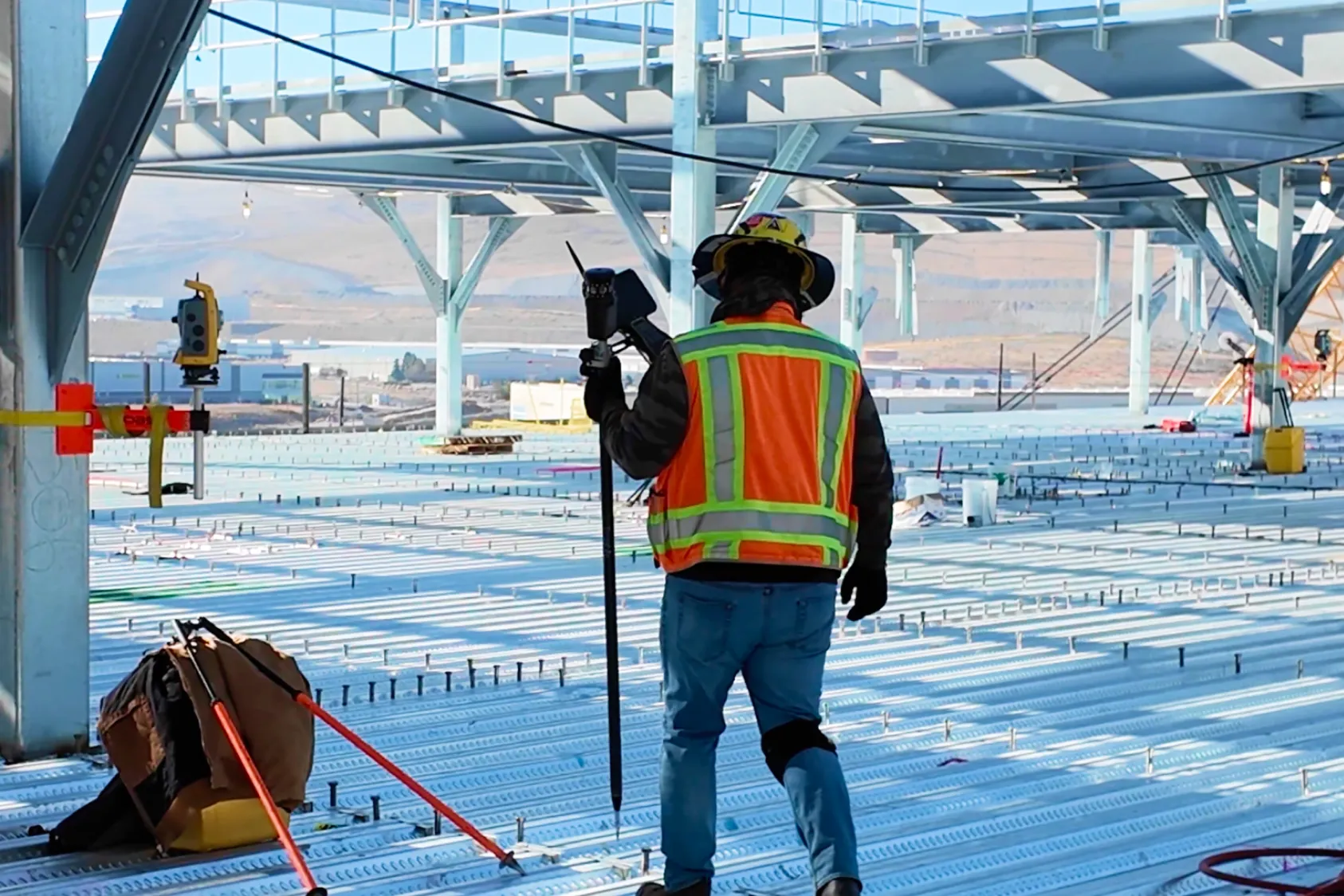
The workflow follows three steps. First, teams capture site visuals using drones, 360 cameras or ground robots during regular documentation cycles. Then AI models process that imagery to detect objects, conditions and changes across the site. Finally, the system delivers structured outputs like progress reports, safety alerts or annotated maps.
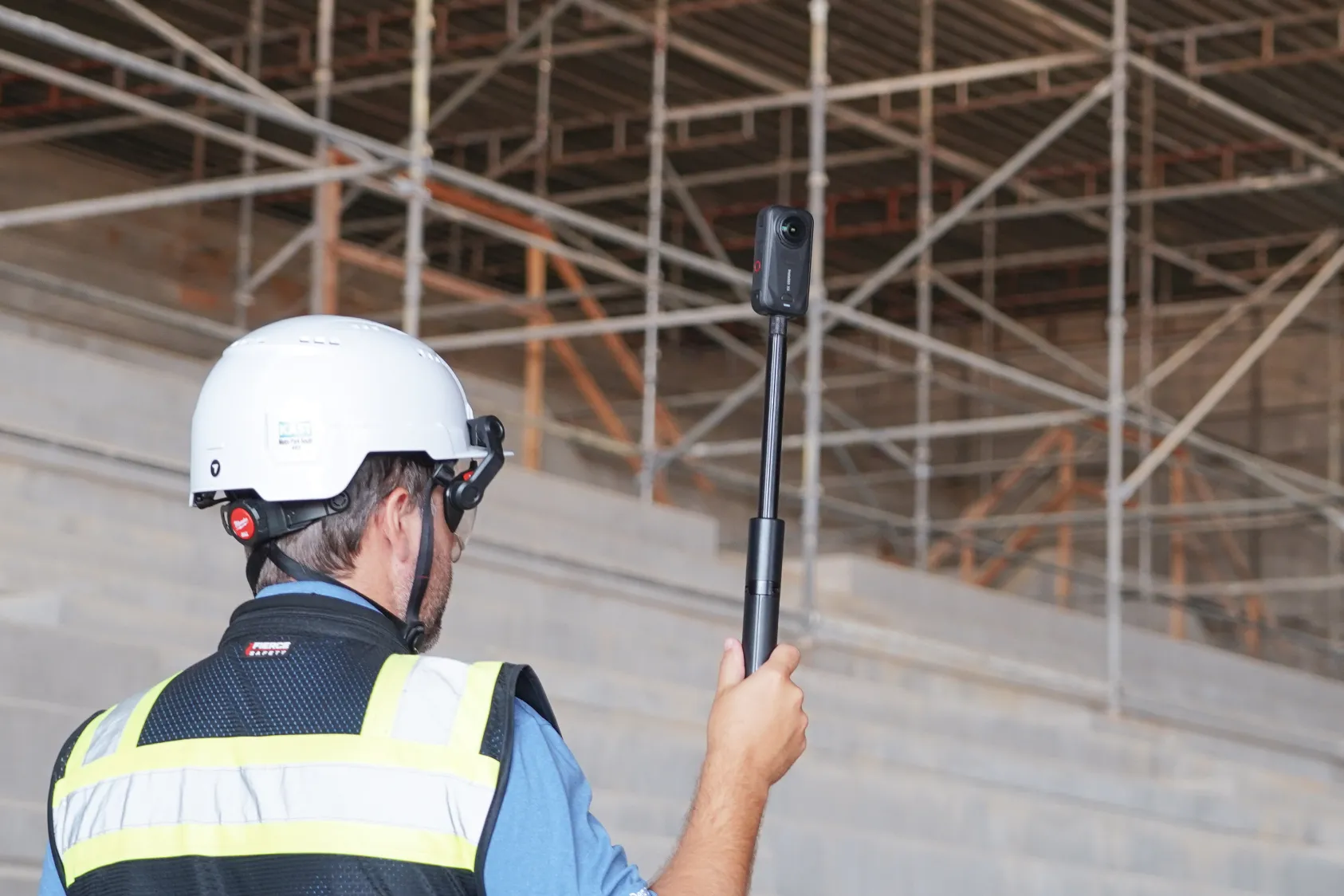
- Capture: Drones fly weekly flights, 360 cameras document interior progress, ground robots cover hard-to-reach areas
- Process: AI models identify installed trades, safety hazards, material quantities and deviations from plans
- Output: Visual reports organized by location, date and trade type arrive within hours of upload
Construction-specific models learn from labeled jobsite imagery, so they recognize the difference between framing and drywall or between a properly installed guardrail and a missing one. The training data comes from real construction projects, not generic image libraries. This specialization means the AI understands trade sequences, common installation patterns and typical site conditions.
See how Progress AI is actively transforming jobsites
AI for construction progress tracking
Progress tracking is where most teams first encounter construction AI. The technology analyzes captured imagery to identify installed work by trade type and location without requiring manual counts or schedule input. Teams reference the outputs during coordination meetings, for owner reporting or when validating subcontractor pay applications.
Automated percent complete by location
AI maps visual data to floor plans or site areas to calculate completion status for each zone. Percent complete in this context means a visual measurement of installed work versus planned scope, not a schedule-based calculation. The system compares current captures against previous ones to show what changed and where.
Trade detection across project phases
Modern AI models recognize specific trade work like framing, MEP rough-in, drywall, flooring and finishes. Detection happens across different phases from structure through closeout, with some platforms identifying over 80 trade types. The system tags each detection with location and timestamp, creating a searchable record of when work was installed.
Visual progress reports from site captures
The output format typically includes structured reports showing status by area, date and trade. A weekly drone flight or daily 360 walk produces a progress update automatically, without additional manual effort. Teams share reports with owners, architects and trade partners to keep everyone aligned on actual conditions.
AI for jobsite safety monitoring
Safety AI scans visual captures for risks like missing guardrails, fall hazards, housekeeping issues and PPE compliance. The technology works by analyzing the same imagery teams already capture for documentation, then flagging conditions that match known hazard patterns. Findings map to regulatory standards like OSHA 1910/1926, giving safety managers a structured view of site conditions.
Automated hazard detection mapped to OSHA standards
AI classifies detected hazards according to specific OSHA categories, so a missing guardrail gets tagged as a fall protection issue with the relevant standard cited. Common detections include unprotected edges, improper ladder placement, blocked egress paths and electrical hazards. The system provides suggested corrective actions alongside each finding.
Safety inspection reports without manual walkthroughs
The report generation process works like this: upload a routine 360 capture, receive a safety report with findings and locations within hours. Safety AI supplements in-person oversight rather than replacing it, giving safety managers a second set of eyes on conditions across the site. Teams use reports to prioritize where to focus attention during physical walkthroughs.
Enterprise safety metrics across multiple sites
For organizations running multiple projects, AI aggregates safety data across the portfolio to identify trends or recurring issues. Safety leaders see which sites have the most open findings, which hazard types appear most frequently and how conditions change over time. This portfolio view helps allocate safety resources where they're needed most.
.png)
AI for construction quality verification
AI platforms compares reality captures against design intent to flag deviations before work gets covered, while progress AI counts what's installed. Both use the same visual data but serve different purposes during the build process. Quality verification catches mistakes before they become expensive rework.
Comparing reality captures to design files
AI overlays current site conditions onto CAD or BIM models to highlight discrepancies between what's designed and what's built. Use cases include MEP coordination, structural steel placement verification and checking that penetrations align with drawings. The overlay view makes deviations visible without requiring manual comparison of drawings to photos.
Detecting changes and deviations over time
Repeated captures from the same vantage points allow AI to identify what changed between visits. The historical record shows exactly when changes occurred, which proves valuable for tracking rework or verifying that punch list items were addressed. Teams reference this timeline during disputes or when documenting the sequence of installations.
Documenting installations before coverup
Capturing underground utilities, in-wall MEP or embedded items before they're covered creates a permanent record of what's behind finished surfaces. AI helps flag missing documentation or incomplete installations during critical windows, so teams address gaps before drywall goes up or concrete gets poured. This record becomes valuable during maintenance, renovations or warranty claims years after project completion.
AI for construction drawings and documents
Document-focused AI applications differ from visual site capture. Document AI tools extract information from drawing packages: fixture counts, spec data, room labels and table parsing. While distinct from jobsite visual AI, document analysis tools help estimators and project teams work faster during preconstruction.
- Quantity extraction: Pulling counts and measurements from architectural drawings automatically
- Spec parsing: Reading specifications and finish schedules to identify materials and requirements
- Revision comparison: Identifying discrepancies between drawing versions
How to evaluate AI tools for construction projects
When comparing AI platforms, a few practical questions help narrow the field. Focus on data requirements, integration capabilities and accuracy validation. The answers reveal which platforms fit your existing workflows and project types.
Data and hardware requirements
Check which capture equipment each platform supports. Some work with any drone or 360 camera, while others require proprietary hardware. If your team already owns equipment, compatibility matters.
Integration with project management software
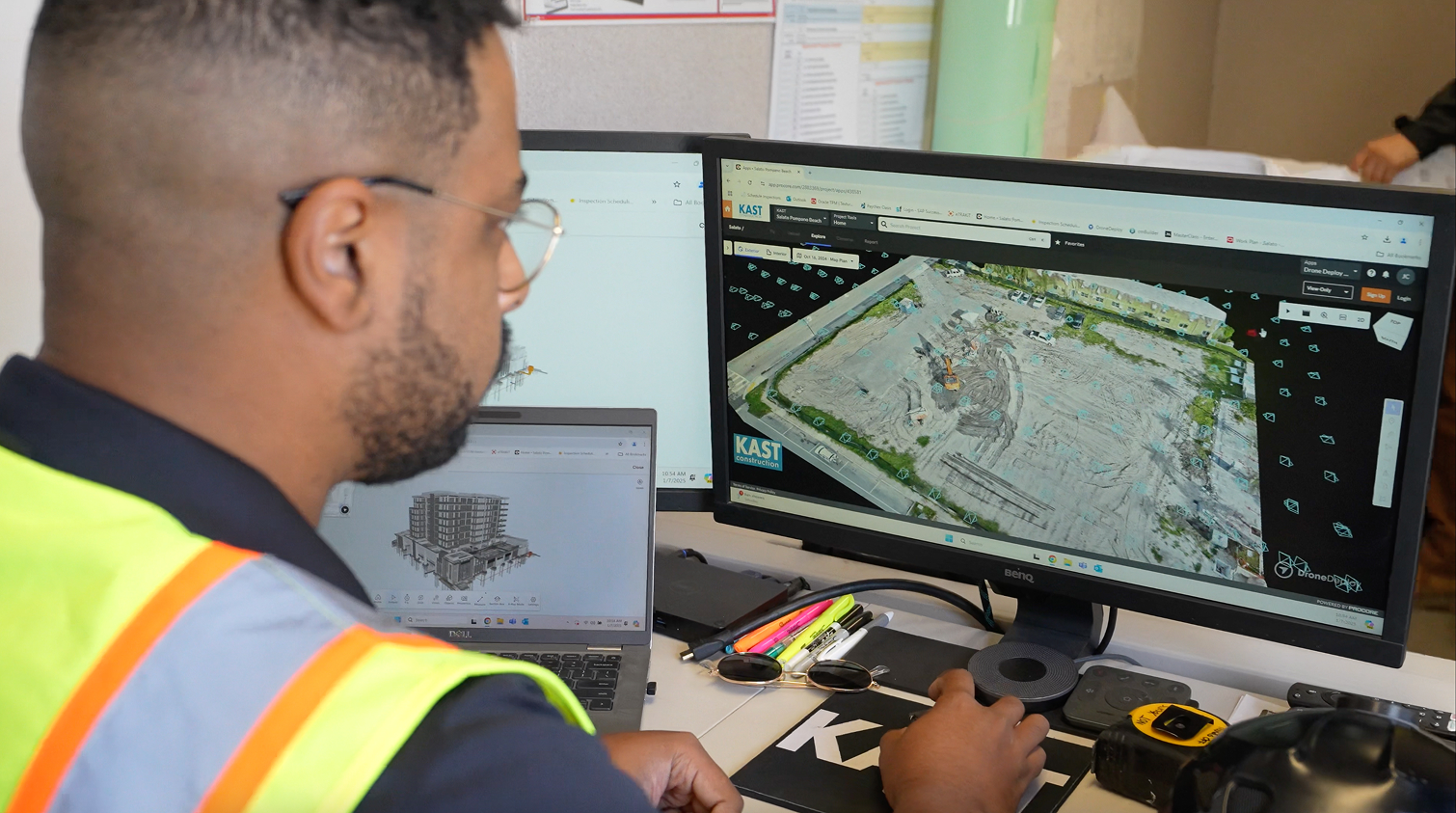
API and integration capabilities with platforms like Procore, Autodesk and cloud storage determine how AI outputs connect to existing workflows. Check whether the platform pushes data automatically or requires manual export. Native integrations reduce the friction of adding AI outputs to your existing documentation process.
Accuracy validation and reliability
Spot-checking AI detections against field observations during a pilot project reveals how well the system performs on your specific project types. Walk the site with the AI report in hand and verify detections match actual conditions. Track false positives and missed detections to understand where the system needs improvement.
Deployment time and onboarding complexity
Deployment time varies significantly across platforms. Some work immediately after capture upload with minimal configuration, while others require weeks of setup or model training. Ask vendors for typical deployment timelines based on projects similar to yours.
How to start using AI on your construction site
1. Identify a repeatable capture workflow
Start with a consistent capture cadence: weekly drone flights or daily 360 walks during active phases. AI works best when it has regular imagery to compare. Assign responsibility for captures to specific team members so documentation happens on schedule.
2. Select an AI platform that fits your existing tools
Evaluate platforms based on hardware compatibility, integration options and the specific use cases that matter most to your projects. Consider whether you need progress tracking, safety monitoring or both. Check that the platform integrates with your existing project management software.
3. Run a pilot on one project or phase
Test on a single project before portfolio-wide deployment. Compare AI outputs to manual observations during the pilot to validate accuracy. Document what works well and identify any gaps in detection or reporting.
4. Review outputs and expand across your portfolio
After validating results on the pilot project, expand to additional projects. Start with sites that share similar characteristics with your pilot, then move to more complex project types. Track adoption metrics and gather feedback from field teams as you scale.
See AI progress tracking in action
.png)
FAQ
Accuracy varies by platform and use case. For example, leading safety detection platforms report 85-95% accuracy on common hazard types like missing guardrails and PPE violations when validated against manual inspections. Progress tracking accuracy depends on image quality, lighting conditions and the complexity of the trade work being detected.
Some platforms require BIM or schedule integration, while others generate insights from visual data alone. DroneDeploy's Progress AI works without prerequisite models.
General-purpose AI tools lack construction-specific training and visual analysis capabilities. Purpose-built construction AI platforms trained on jobsite imagery perform better for site documentation and monitoring tasks.
Deployment time ranges from same-day setup for platforms that work from visual data alone to 2-4 weeks for those requiring BIM integration and custom model training. Ask vendors about their onboarding process and whether they offer hands-on setup support.
Automation executes predefined tasks like scheduled drone flights or robotic walkthroughs. AI involves analyzing data to generate insights or detect patterns that would require human judgment to identify manually.
Ready to learn more?
Contact sales to see how DroneDeploy can give your teams the power to document and analyze your sites from the air and ground – all in one AI-powered platform.