How virtual inspections transform progress tracking on active jobsites
.svg)

Quick Summary
Tracking progress across a jobsite usually means relying on whoever was there that day. Virtual site inspections let teams assess jobsite conditions remotely using captured imagery instead of physical presence. Someone on site captures photos, 360 video or drone footage then uploads it to a cloud platform where stakeholders review conditions from anywhere.
The visual record includes timestamps and GPS coordinates. Teams use this reference for progress tracking, payment verification and dispute resolution.
Tracking progress across a jobsite usually means relying on whoever was there that day. Virtual site inspections change that by creating a visual record that exists independent of memory or verbal updates. According to KPMG's Global Construction Survey, only half of construction projects meet their completion deadlines. This article covers what virtual inspections are, the different capture methods teams use and how to get started on your own projects.
What is a virtual site inspection
A virtual site inspection is a remote assessment of a physical site using photos, 360 imagery or video captured on location. Rather than driving to the jobsite, reviewers evaluate conditions by viewing captured data through a reality capture platform. The approach applies to commercial construction, infrastructure and other physical assets where visual documentation matters.
The process works like this: someone on site captures the current state using a drone, 360 camera or smartphone. That data uploads to a cloud platform and becomes accessible to anyone with permission. Project managers, owners, architects and lenders can then review conditions without coordinating a site visit.
What sets virtual inspections apart from traditional photo documentation is the structure of the record. Three key elements define this approach and make the data useful for teams across the project. The combination of these elements creates a reference system that teams return to throughout the project lifecycle.
- Remote assessment: Reviewers evaluate site conditions without being physically present
- Visual documentation: Relies on photos, 360 imagery or video captured on-site
- Timestamped records: Captures include date, time and GPS coordinates tied to specific locations
The imagery exists as evidence of what was actually there on a given date. Teams reference it during disputes, payment reviews or coordination calls. This visual proof replaces verbal descriptions with documented fact.
Types of virtual site inspections
Teams use different capture methods depending on site size, project phase and what they want to document. Each method has specific strengths that make it suited for particular conditions. Understanding these options helps teams choose the right approach for their projects.
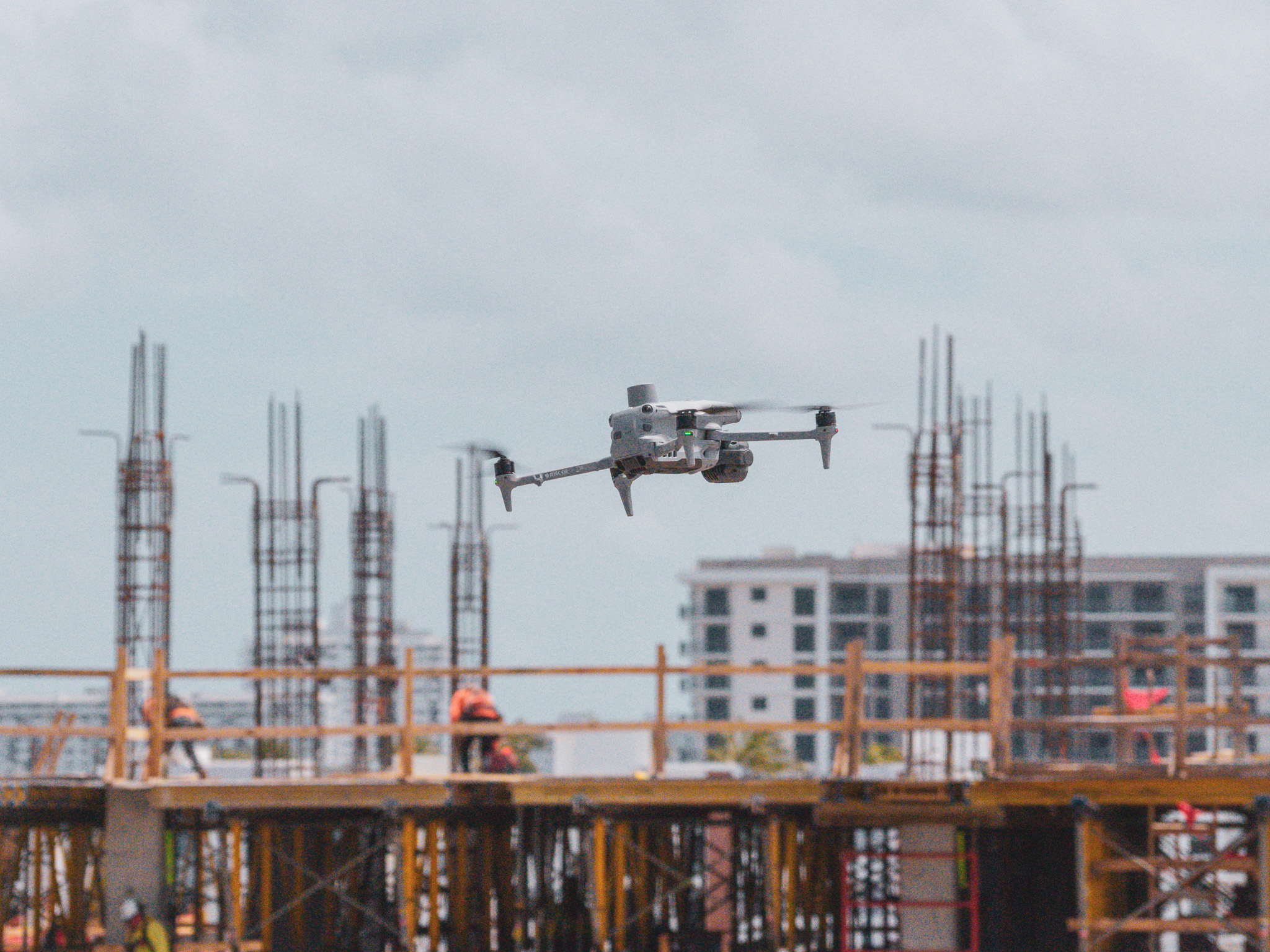
Aerial drone inspections
Drones fly planned routes over a site and capture high-resolution imagery that processes into orthomosaic maps or 3D models. An orthomosaic is a single, georeferenced image stitched together from many overlapping photos. Learn more about drone mapping in construction.
This method works well for large sites, earthworks, roofing and areas difficult to access on foot.
A single flight can cover an entire site in minutes. The resulting maps provide measurable data that teams use for volume calculations and progress comparisons.
Recorded 360 walkthrough inspections
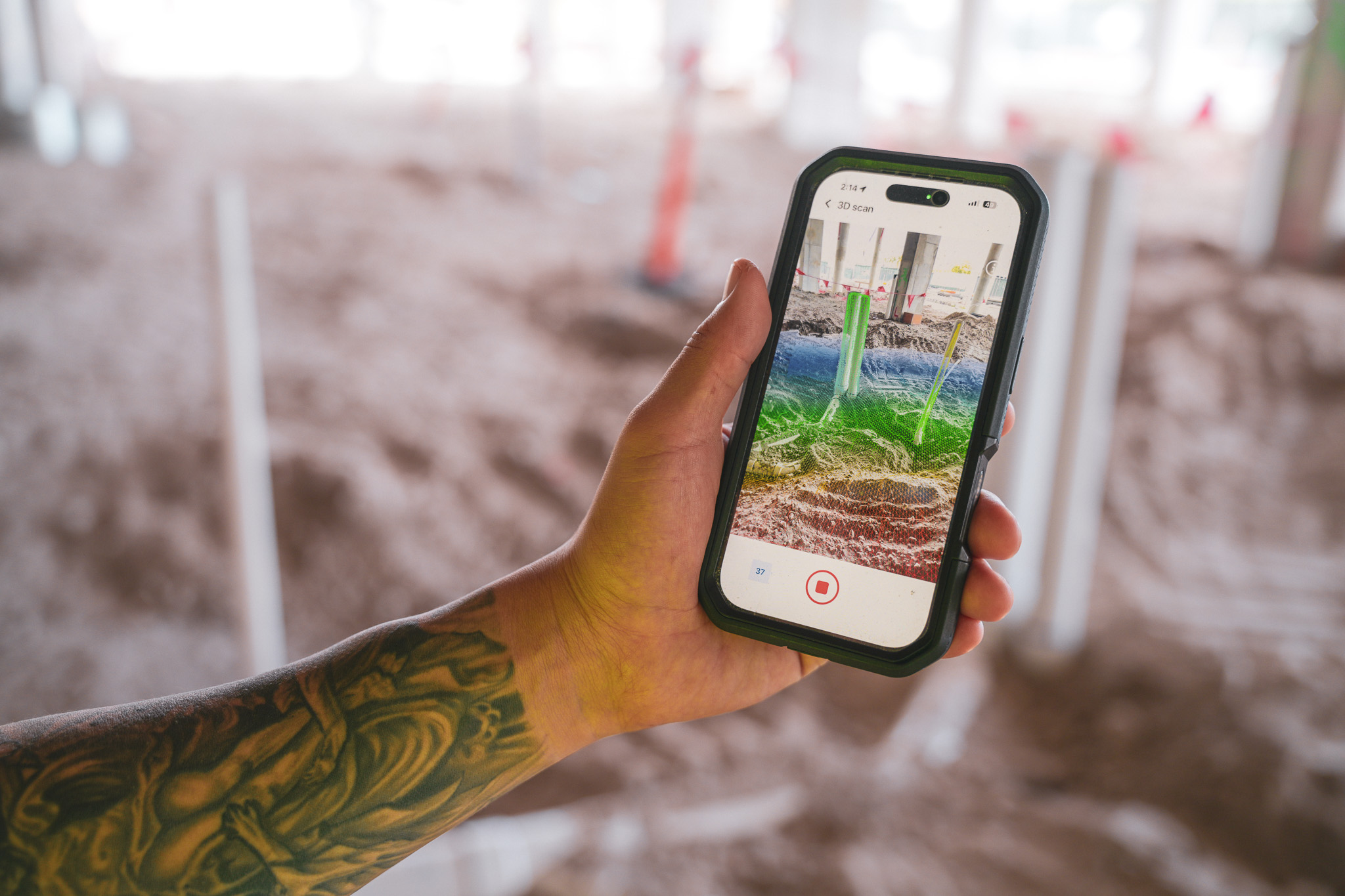
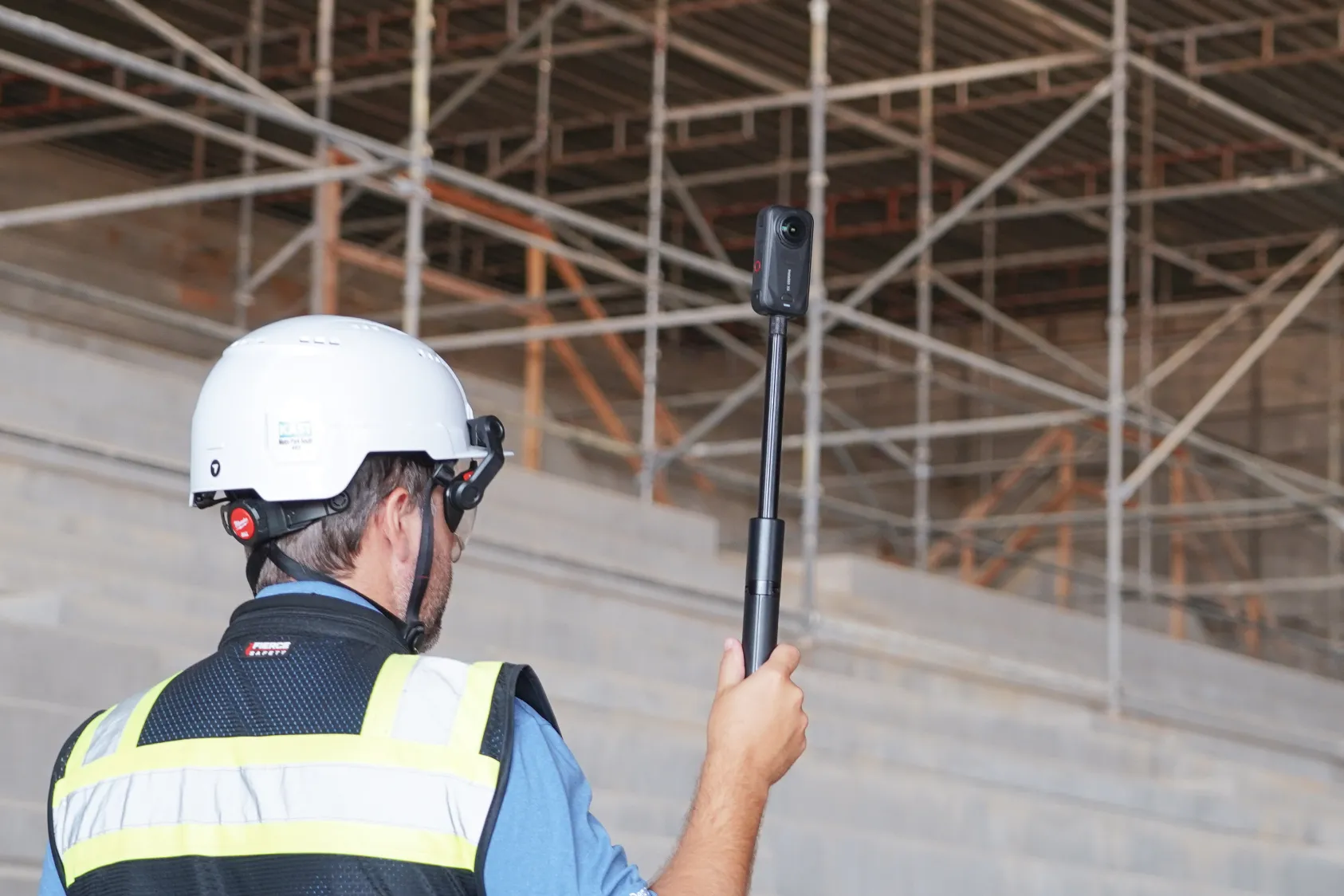
A crew member walks the site wearing or carrying a 360 camera that captures in all directions at once. The footage uploads and maps automatically to floor plans by location and date. Remote viewers can then navigate the space as if walking through it themselves.
This approach documents interiors, MEP rough-ins and finishes in detail. Teams capture conditions before walls close up, creating a permanent record of what exists behind finished surfaces.
Combined air and ground capture
Many teams use both aerial and ground-level capture together. Drones handle exteriors and large-scale progress while 360 walks document interiors and detailed work. Platforms like DroneDeploy combine both data types in a single system, so teams reference aerial maps and interior walkthroughs side by side.
Live video call inspections
Real-time video calls allow an on-site person to walk a remote inspector through current conditions. This works for quick spot checks or urgent questions, though live calls lack the permanent record that captured imagery provides. You get answers in the moment but lose the ability to reference that same view weeks later.
- Aerial drone: Best for large sites, roofing, earthworks. Creates permanent record: Yes.
- Recorded 360 walkthrough: Best for interiors, detailed progress. Creates permanent record: Yes.
- Combined air and ground: Best for full site documentation. Creates permanent record: Yes.
- Live video call: Best for quick spot checks.
See how leading builders are using reality capture to perform virtual inspections
How virtual inspections enable progress tracking
The connection between virtual inspections and progress tracking comes down to repeatability. When teams capture from the same vantage points on a regular schedule, they create a visual timeline of the project. Each capture becomes a reference point showing what existed on a specific date.
This timeline lets teams compare conditions over time. You can pull up last week's capture and this week's capture side by side to see what changed: concrete poured, steel erected, MEP roughed in. The visual record shows sequencing and installed quantities without relying on verbal updates.
Teams also compare captures against design files. Overlaying a drone map on CAD drawings reveals whether work aligns with the plan.
Comparing a 360 walk to a BIM model shows whether installs match design intent. This comparison happens remotely, so project managers and owners can verify progress without traveling to site.
Benefits of virtual site inspections for construction
The practical advantages show up in daily operations. Teams reference the captured record during coordination calls, payment reviews and dispute resolution. These use cases demonstrate how virtual inspections integrate into existing workflows.
- Faster documentation: Captures upload and process quickly, often same-day. Teams generate reports from captured data instead of compiling photos manually.
- Reduced travel: Remote stakeholders review conditions without driving to site. Owners, lenders and distant team members stay informed without coordinating travel.
- Shared reference: Everyone looks at the same visual record during calls or meetings. This eliminates back-and-forth describing conditions verbally.
- Defensible records: Captures include GPS coordinates, date and time metadata. This creates evidence for disputes, change orders or payment verification.
- Safer access: Drones document roofs, tanks or confined spaces without putting workers at risk.
How to conduct virtual site inspections on active jobsites
Getting started involves planning, capturing, reviewing and sharing. The process becomes routine once teams establish a rhythm. Most teams find their workflow within the first few captures.
Step 1: Plan capture locations and frequency
Identify key areas to document and set a capture schedule. Weekly captures work well during active construction. Milestone-based captures make sense for critical phases like pre-pour, pre-cover or closeout.
Consistent vantage points matter because they allow direct comparison over time. Industry research from Procore's jobsite inspections guide highlights how digital documentation reduces errors and improves stakeholder communication.
Step 2: Capture aerial and ground-level data
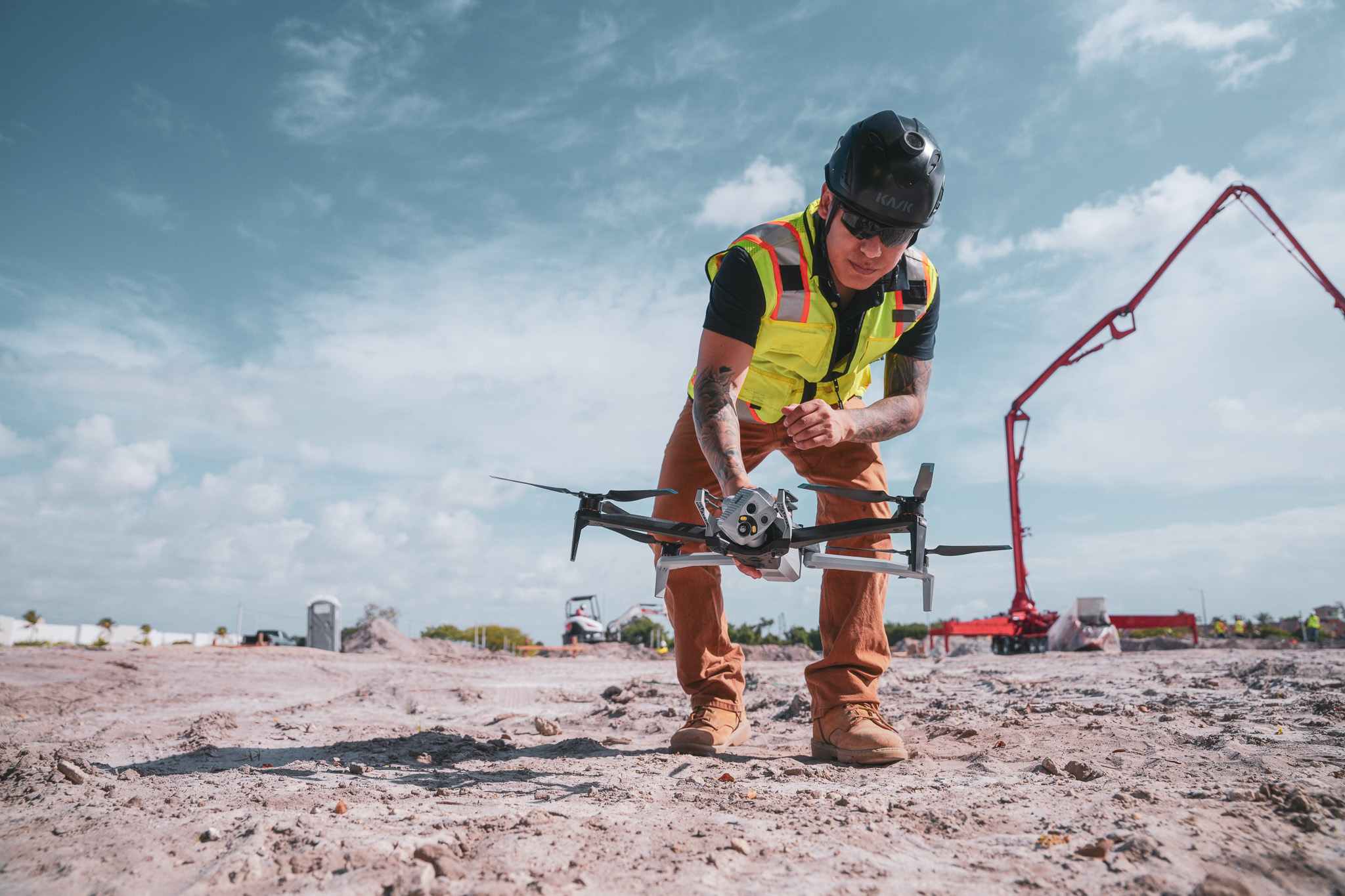
A pilot flies the drone on a planned route or a crew member walks with a 360 camera. The capture takes minutes depending on site size. Data uploads to a cloud platform where it processes into maps, models or organized photo libraries.
Step 3: Review conditions against design or schedule
Teams overlay captures on drawings, BIM models or schedules. They look for variances, verify installs and confirm sequencing. This review happens remotely, so multiple stakeholders can participate without traveling.
Step 4: Share findings and document progress
Teams export reports, share links with stakeholders or annotate issues directly in the platform. The record stays accessible for future reference. When questions arise months later, the imagery exists as evidence.
Tools and technology for virtual site inspections
The equipment and software you choose depends on what you want to capture and how you plan to use the data. Different tools serve different purposes, and many teams combine multiple capture methods. Here is an overview of the main categories.
360 cameras for ground-level walkthroughs
360 cameras capture in all directions at once. They mount on hardhats or handheld rigs and record as the operator walks. The footage maps to floor plans automatically, creating a navigable record of interior conditions.
Drones for aerial site coverage
Commercial drones fly automated flight paths and capture high-resolution imagery. The data processes into orthomosaic maps, 3D models or point clouds using DroneDeploy Aerial. RTK (real-time kinematic) and GCP (ground control point) workflows provide survey-grade accuracy when precision matters.
Reality capture and documentation software
Software processes captured imagery into organized, searchable records. Maps, models and photos live in one system where teams compare conditions over time and overlay design files. DroneDeploy combines aerial and ground capture in a single platform.
AI-powered progress and safety analysis
Some platforms apply AI to detect installed work, identify safety hazards or generate progress reports from captured imagery. DroneDeploy's Progress AI automates this analysis from drone and 360 data.
This analysis runs on the captured data and surfaces findings without manual review of every image. The automation saves time while maintaining documentation quality.
Next steps for bringing virtual inspections to your jobsites
- Identify one active project to pilot virtual inspections
- Select a capture method based on site size and phase
- Establish a capture schedule tied to milestones or weekly progress
- Choose a platform that organizes captures by location and date
- Share the first capture with your team and remote stakeholders
Book a demo with DroneDeploy to see how virtual site inspections work on your project.
.png)
FAQ
Virtual inspections reduce the need for many routine visits, though physical presence remains necessary for hands-on tasks, punch lists and certain verifications. The visual record handles coordination and progress review while site walks focus on work that requires being there in person. Most teams find a balance between remote review and targeted physical visits.
Frequency depends on project phase and pace of work. Weekly captures work well during active construction. More frequent captures make sense during critical milestones like pre-pour, pre-cover or closeout.
Most platforms allow offline capture with upload when connectivity becomes available. Cellular coverage typically handles standard captures without issue, though faster connections speed up uploads for large files. Teams in remote areas often capture throughout the day and upload when they return to better coverage.
Some platforms use floor plan mapping or manual positioning when GPS is unavailable. 360 cameras with good low-light performance capture interiors in spaces without natural light. Teams working in challenging environments adapt their capture methods to site conditions.
Ready to learn more?
Contact sales to see how DroneDeploy can give your teams the power to document and analyze your sites from the air and ground – all in one AI-powered platform.