3D mapping software for large-scale construction: platforms, accuracy and what actually matters
.svg)
Quick Summary
The best 3D mapping software for large-scale construction converts drone imagery into survey-grade maps, 3D models and point clouds that teams reference from earthwork through closeout. This guide breaks down what to look for in a platform and how to choose one that matches how your operation actually runs.
Large-scale projects generate thousands of images per capture. The software you choose determines whether that data becomes survey-grade documentation or just a folder in a drive that nobody looks at twice.
Teams running earthwork verification, as-built records and progress tracking across multiple sites face a different set of requirements than a single-project user who downloaded a free trial to experiment. This guide covers what separates enterprise 3D mapping platforms from basic photogrammetry tools, how the leading options stack up and what to look for when matching software to your project scale. Let’s get into it.
What is 3D mapping software for construction
3D mapping software converts aerial and ground-level imagery into georeferenced spatial data. Teams use that data to verify grades, track progress and document as-built conditions across project phases.
The software processes overlapping photos captured by drones or 360 cameras and produces a few core output types:
- Orthomosaics: Georeferenced aerial images stitched into a single map view
- Point clouds: Dense coordinate data used for measurements and volume calculations
- 3D meshes: Textured surface models that show visual site conditions
- Digital elevation models: Terrain data for cut/fill analysis and grading verification
Most platforms handle the full workflow from flight planning through processing and collaboration. Some are built for specific applications like mining or agriculture. Others are general-purpose construction tools. The distinction matters more than most buyers realize until they're already committed to the wrong platform.
Key features to evaluate
Accuracy specifications
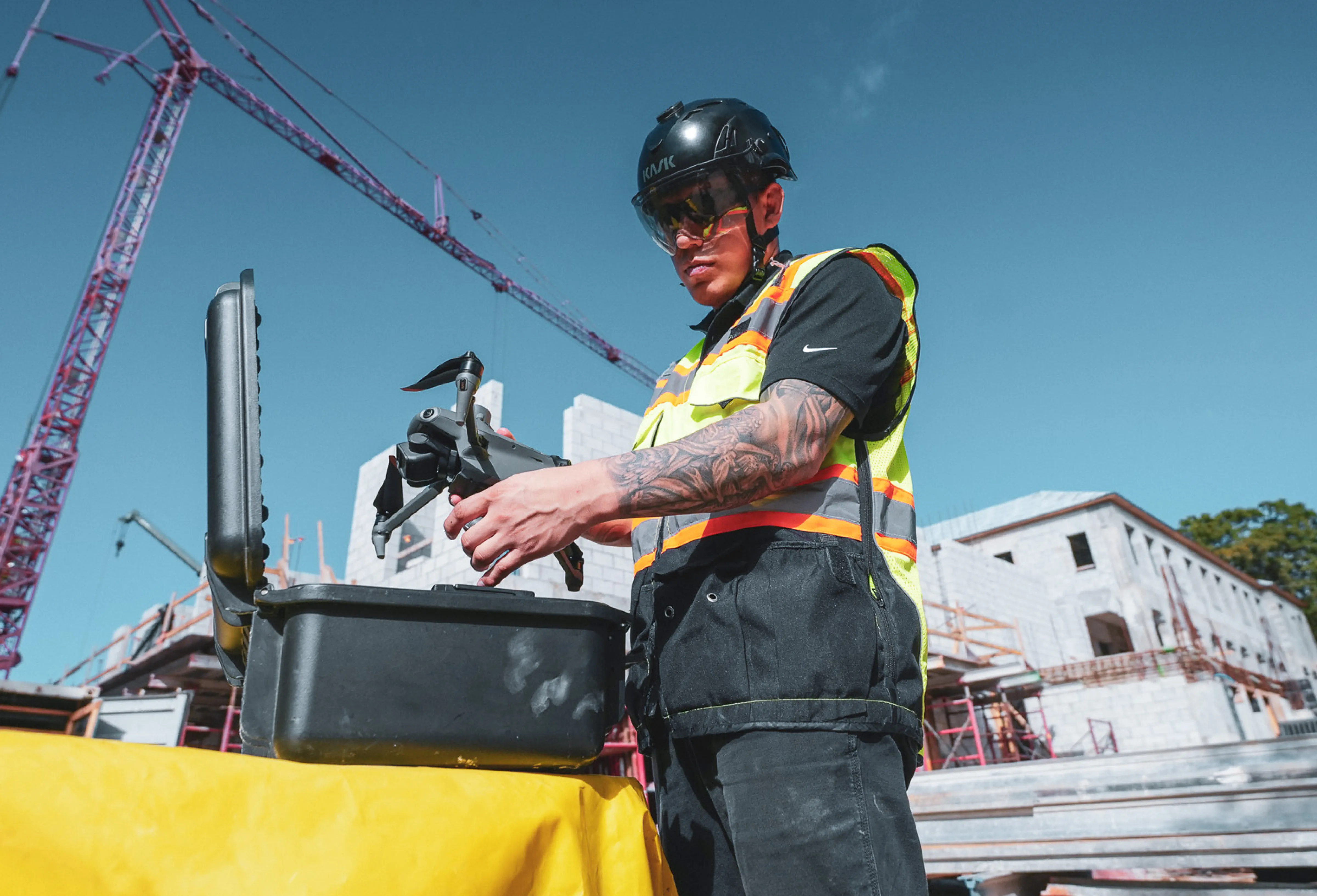
Survey-grade accuracy typically means sub-inch precision, and getting there requires RTK or PPK GPS correction during capture. RTK uses a base station or network connection to correct GPS data in real time. PPK applies corrections after the flight using recorded base station data – better for areas with poor cellular coverage, where RTK drops out at the wrong moment.
Ground control points provide independent accuracy verification when project specs demand it. If your work involves earthwork pay quantities or as-built documentation for utilities, accuracy requirements will drive your platform choice more than any other factor. Figure this out first.
Output types and processing
Large infrastructure projects generate massive datasets – tens of thousands of images per capture in some cases. Cloud processing handles this scale without taxing local hardware, though some teams prefer desktop processing for offline environments or tighter data security requirements. Know what deliverables your downstream workflows actually require. Contour lines for civil design, CAD overlays for plan comparison and volumetric calculations for earthwork verification each point toward different platforms.
Hardware compatibility
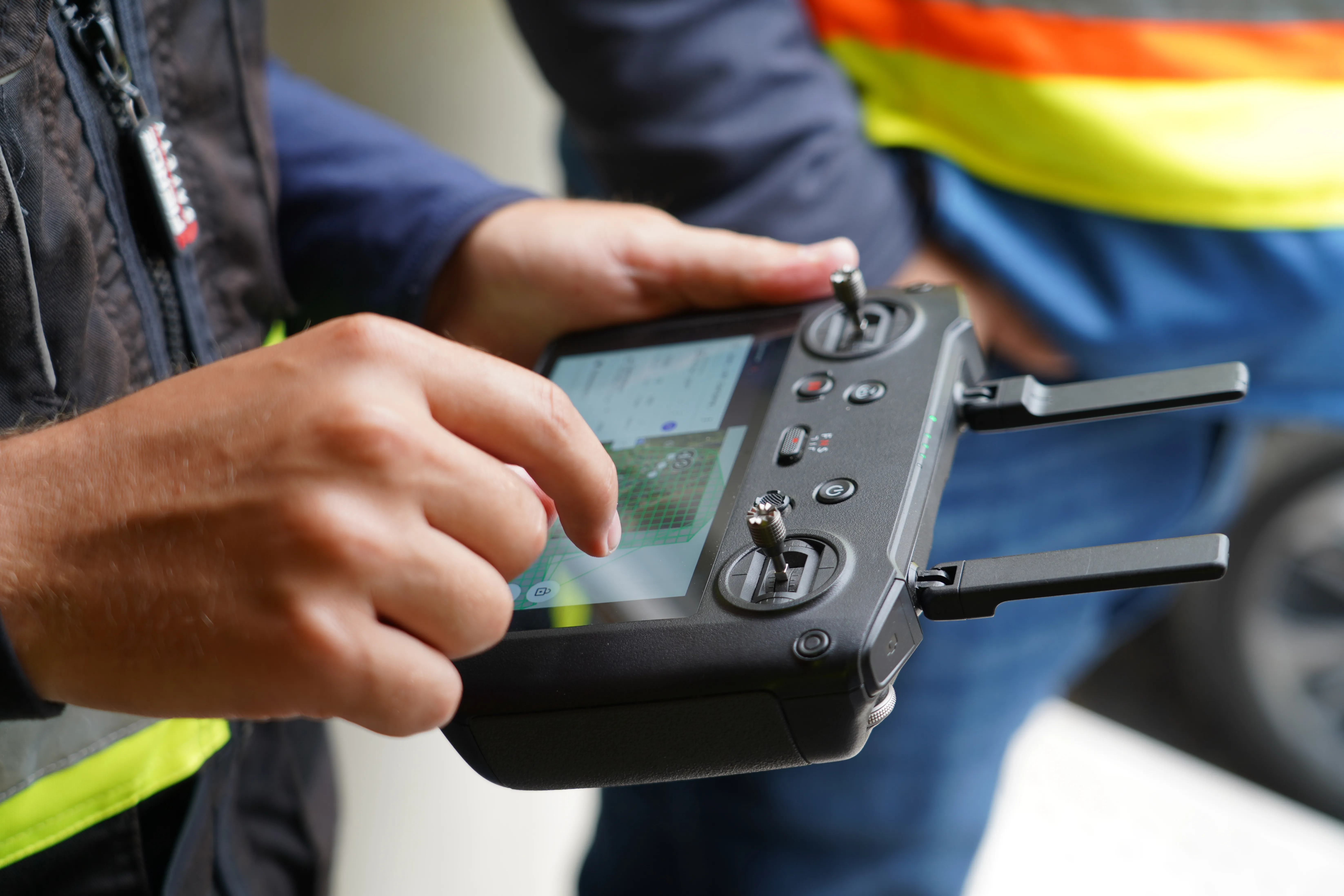
Some 3D mapping software locks you into specific drone hardware. Others work across multiple manufacturers. DroneDeploy works with DJI, Skydio, Wingtra and other commercial platforms, plus docked automation for repeatable captures. DJI Terra only processes imagery from DJI aircraft – straightforward if your fleet is DJI-only, limiting if it isn't.
If you're managing a mixed fleet across multiple sites, platform-agnostic software saves real friction when onboarding new equipment or pilots.
The leading platforms
DroneDeploy Aerial
DroneDeploy covers the full workflow from flight planning through AI-powered analysis. The platform processes imagery into maps, models and point clouds, then layers in progress tracking and quality verification tools on top. Teams managing multiple sites use it to standardize capture workflows across regions. Aerial data runs alongside 360 ground capture in the same system, so the project record isn't split across separate tools.
Pix4D
Pix4D has been a photogrammetry standard for years, particularly in surveying and agriculture. The desktop application offers deep customization for technical users who want control over processing parameters. Cloud processing is available for teams that prefer not to run local workflows.
DJI Terra
DJI's native mapping software works with DJI drones and offers straightforward processing for teams already invested in DJI hardware. The interface is accessible for newer users. It's a reasonable choice if your operation runs on DJI equipment and doesn't require third-party integrations or multi-site management.
Propeller Aero
Propeller focuses on earthwork verification and stockpile measurements. Proprietary AeroPoints simplify ground control workflows. It's popular in mining and heavy civil where volume accuracy drives payment.
Autodesk ReCap Pro
ReCap processes laser scans and drone imagery within the Autodesk ecosystem. Teams using Revit, Civil 3D or other Autodesk tools often choose it for native integration. It functions primarily as a processing tool rather than a complete capture-to-collaboration platform.
Survey-grade accuracy for earthwork and as-builts
RTK and PPK correction
RTK delivers sub-inch accuracy without extensive ground control by correcting GPS data during flight. PPK applies those corrections afterward using recorded base station data. Both methods reduce the number of ground control points required while maintaining survey-grade precision. Which one fits depends mostly on your site conditions and cellular reliability.
Ground control and accuracy verification
Even with RTK or PPK, some projects require independent verification through ground control points. Checkpoints placed across the site validate that processed outputs meet specified tolerances. Most enterprise platforms include accuracy reports that document achieved precision against project requirements — useful when you need to show your work to a client or owner.
Custom coordinate systems
Large infrastructure projects often work in state plane coordinates or project-defined coordinate systems. Your 3D mapping software handles the transformation from standard GPS coordinates to whatever local system your civil engineers and surveyors use. This matters whenever data flows into design software or gets compared against existing survey records.
How aerial and ground capture work together
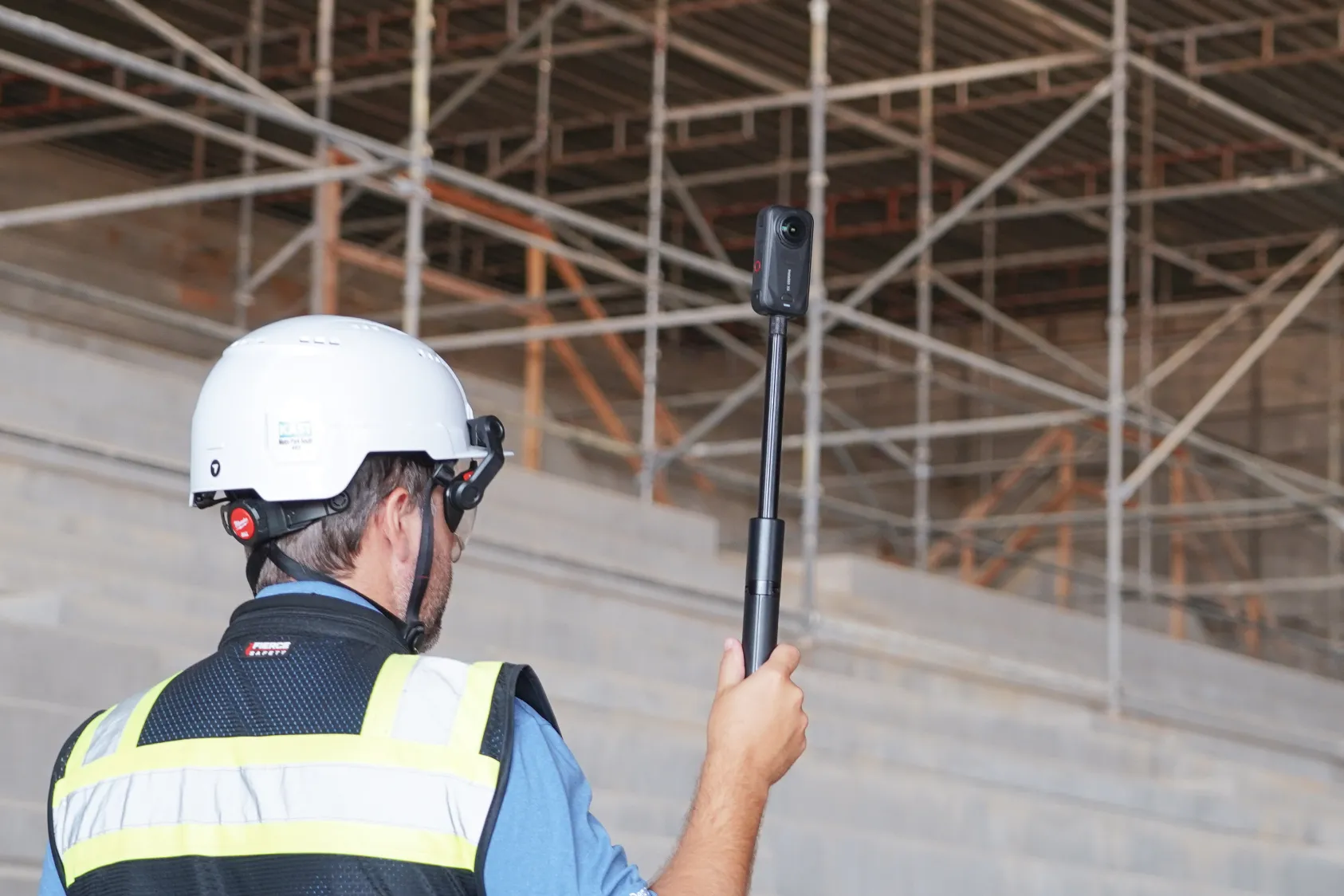
Aerial capture covers large areas efficiently. It misses interiors, undersides and work that gets covered before the next flight. Ground-based 360 capture fills those gaps — documenting MEP rough-ins before drywall, structural connections before fireproofing, underground utilities before backfill.
The three capture types each serve a different purpose:
- Aerial capture: Site-wide coverage, elevation data, progress over time
- 360 ground capture: Interior spaces, detailed documentation, covered work
- Site cameras: Fixed vantage points, time-lapse progress
DroneDeploy Ground integrates with aerial data so teams reference both from the same interface. The captured record becomes a timeline project teams revisit during coordination, closeout and operations — not something buried in a shared drive.
AI analysis for progress and quality verification
AI models trained on construction imagery automate detection tasks that used to require manual review. Progress tracking compares captured conditions against schedule milestones. Quality verification checks installs against design specifications. Safety observations flag PPE compliance and site hazards. The more sites captured, the more the system recognizes patterns across different project types and conditions.
Scaling capture programs across multiple sites
Managing dozens or hundreds of sites looks nothing like managing one. Standardized flight plans ensure comparable data quality across regions. Role-based permissions control who can view, edit or share project data. SSO integration connects to existing identity management systems for organizations with strict IT requirements.
Teams without internal drone programs can use professional capture services instead of building hardware, licensing and training overhead in-house. Some platforms maintain pilot networks that handle capture on demand, with data flowing directly into the same system used for self-captured sites.

How to choose the right platform
Start with accuracy requirements. Earthwork verification and utility as-builts have different tolerances than visual progress documentation, and those tolerances narrow your options quickly.
Then work through these:
- Does your drone fleet create hardware lock-in with certain software?
- What does integration with your project management, BIM and design systems look like?
- How much training does your field team realistically need?
- Are you planning to scale this across one project or across the organization?
The answers tend to point toward two or three platforms. From there, request demos with your actual data and run a pilot project before committing.
Next steps
Identify your accuracy requirements and output formats before anything else. Evaluate your existing drone hardware and team capabilities. Request demos from platforms that fit your requirements and start with a pilot project before rolling out enterprise-wide.
.png)
FAQ
Most professional platforms are Windows-based or cloud-based. Flight apps for iOS handle capture, and cloud processing eliminates local OS requirements.
Most platforms include flight planning tutorials and processing guides. FAA Part 107 certification is required for commercial drone operations in the US.
Some platforms offer desktop processing for remote sites without connectivity. Cloud-based platforms require internet for processing but may allow offline viewing of previously processed data.
Related articles
Ready to learn more?
Contact sales to see how DroneDeploy can give your teams the power to document and analyze your sites from the air and ground – all in one AI-powered platform.